Guided Setup: Part 1
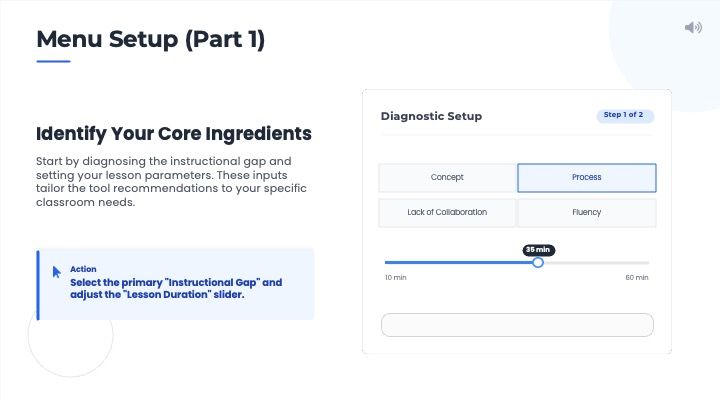
This screen narrows early decision-making to the most instructionally relevant inputs, reducing cognitive load while preserving context.
A storyboard-to-product concept for UDL-aligned lesson planning. This project demonstrates how I translated an eLearning storyboard into a guided digital workflow that helps educators diagnose instructional needs, make more intentional technology decisions, and move toward classroom-ready implementation.
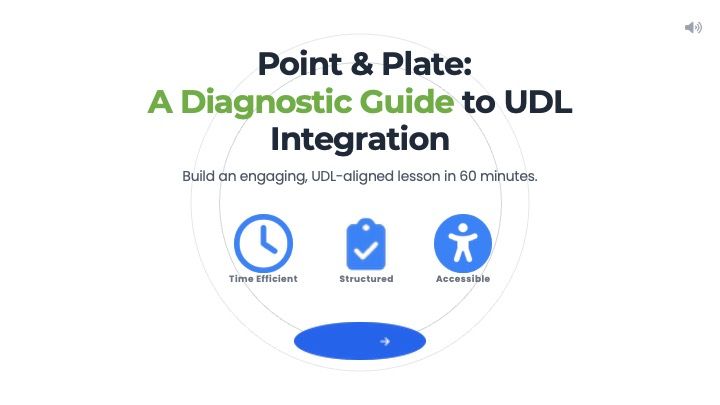
APPetizer: Point & Plate began as an eLearning storyboard and expanded into an app-inspired concept for teacher lesson planning. The experience is grounded in Universal Design for Learning and structured to help educators identify an instructional challenge, select an aligned digital tool, and generate a more actionable planning pathway.
From a portfolio perspective, this case study highlights my ability to design beyond content authoring. It shows how I use instructional strategy, learner support, and workflow thinking together to create experiences that are both pedagogically sound and operationally useful.
Teachers are frequently asked to integrate technology into instruction, yet many professional learning experiences stop at awareness and exposure. The challenge behind this project was to design a clearer bridge between instructional need and execution—one that helps users diagnose the problem, narrow choices based on real lesson conditions, and leave with a usable next step rather than a general recommendation.
I designed the experience as a guided decision-support flow: identify the instructional gap, configure lesson constraints, select an aligned digital tool, and generate a lesson-planning output. This shifted the experience from content delivery alone to performance support.
Universal Design for Learning shaped both the instructional model and the interface logic. It informed what the learner needed to understand, what inputs the system should prioritize, and how the experience could reduce barriers to implementation at scale.
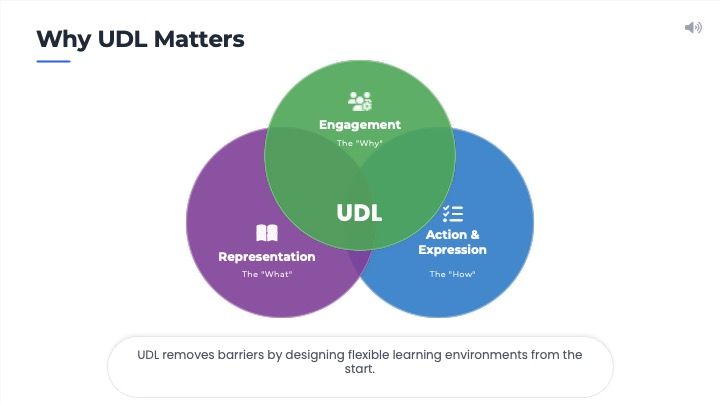
The storyboard maps a complete learner journey: orientation, objective setting, UDL framing, guided configuration, tool selection, lesson generation, practice, and reflection. Translating that sequence into interface concepts allowed me to explore how instructional design can define a more scalable digital experience—one that supports decision-making, transfer, and measurable learner value.
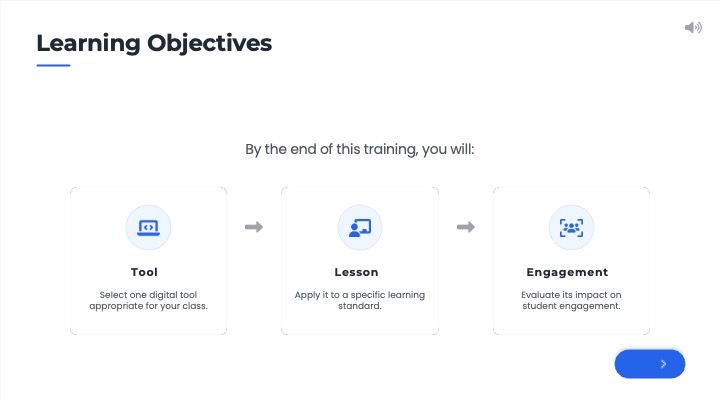
Orientation: clarifies the performance outcome and establishes a focused path for the learner.
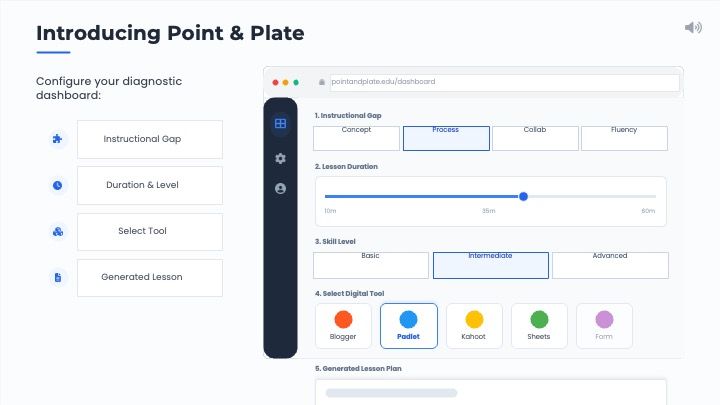
Decision support: converts instructional choices into a clear, guided workflow with visible steps and inputs.
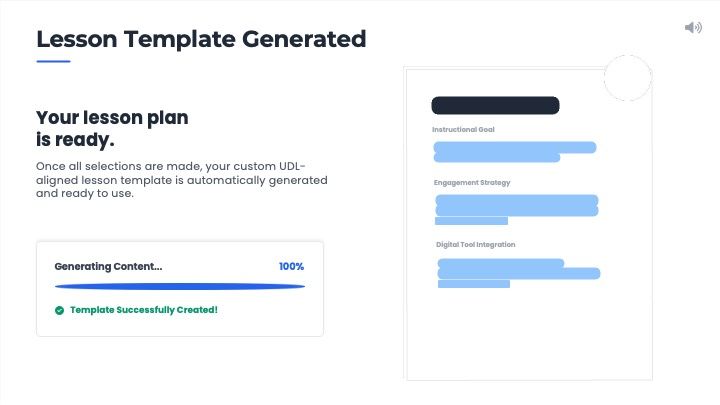
Implementation: reinforces transfer by producing a tangible output tied to classroom practice.
This screen narrows early decision-making to the most instructionally relevant inputs, reducing cognitive load while preserving context.
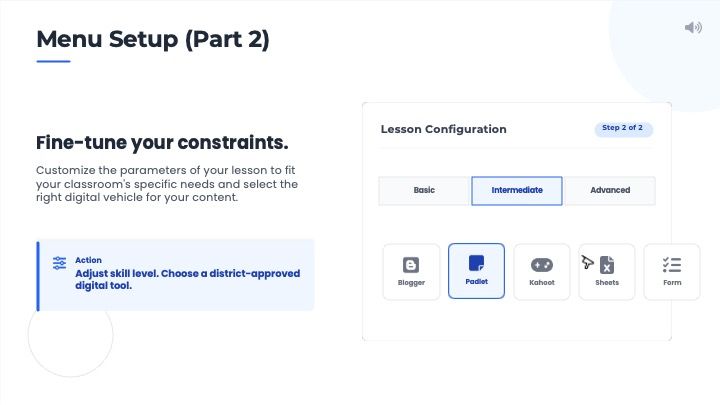
This phase links learner need to tool choice, supporting more intentional digital adoption rather than tool-first exploration.
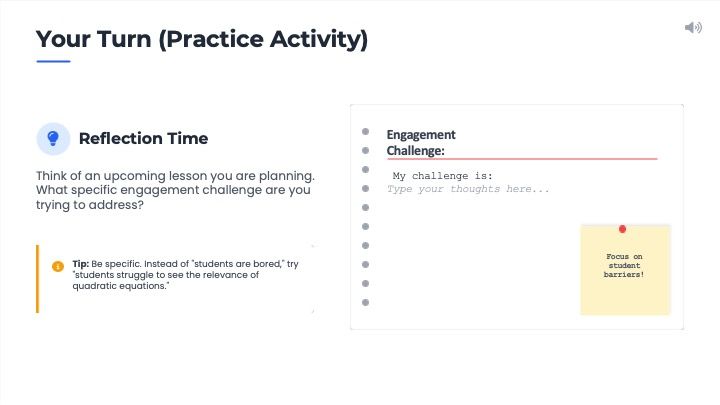
Application is embedded into the flow so learners move from understanding to planning for authentic classroom use.
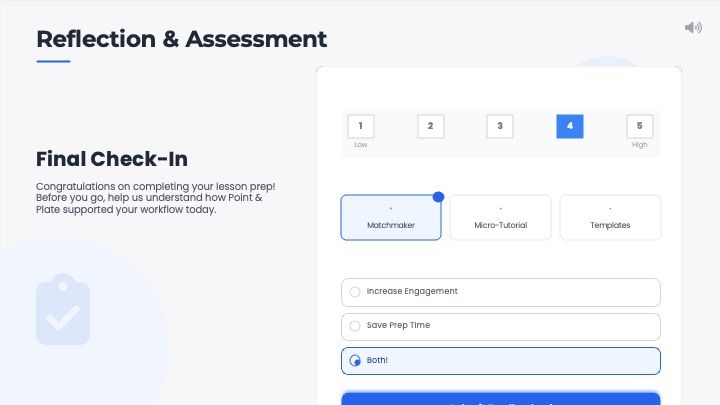
The experience closes with structured reflection, reinforcing learner perception, transfer, and opportunities for continuous improvement.
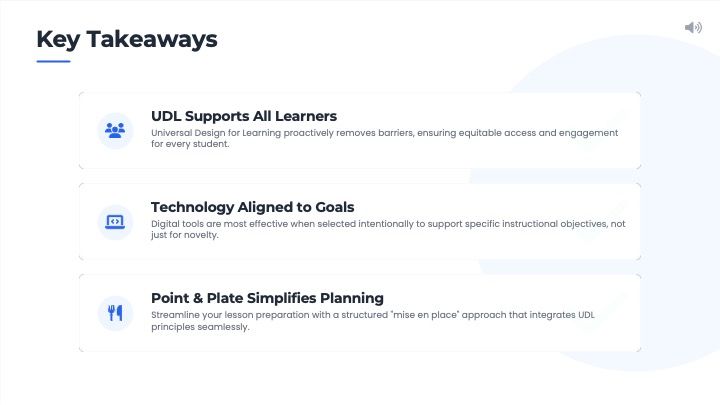
This final screen consolidates the value proposition for the learner: reduce barriers, align technology to instructional goals, and create a more efficient planning experience.
Sequenced a teacher-facing learning experience grounded in UDL and designed for practical classroom implementation.
Framed the solution as a repeatable workflow that supports adoption, consistency, and scalable learner support.
Translated storyboard logic into a digital workflow with guided decisions, visible structure, and useful outputs.
APPetizer: Point & Plate reflects the type of work I am most interested in: designing learning experiences that are strategically aligned, operationally useful, and digitally fluent. What began as a storyboard became a broader exploration of how instructional design can shape workflow, support implementation, and improve the quality of learner decisions.